Services
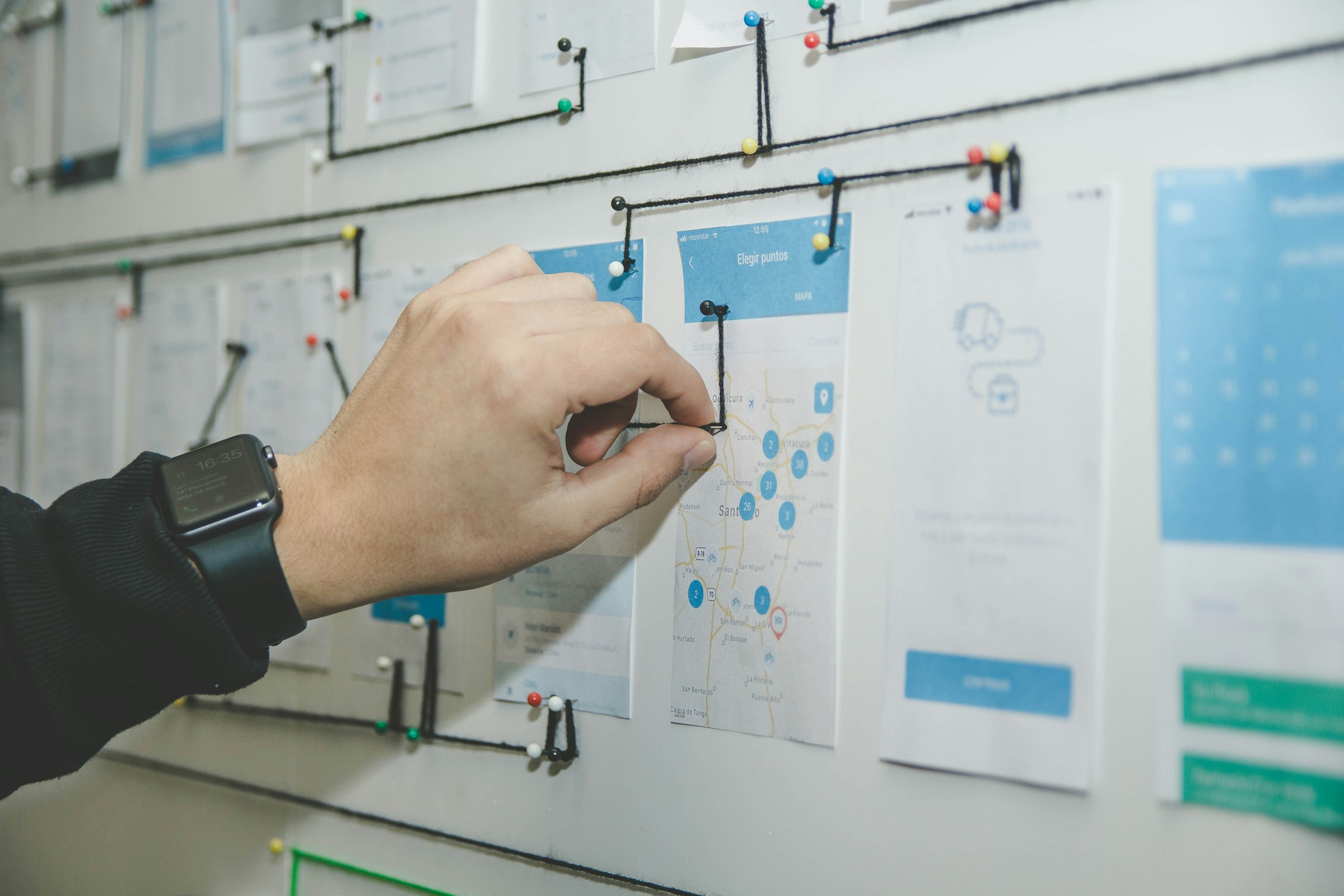
Design and build
For a new website, online store or digital product, or a full rebuild of one you have.


What you get
- Planning, structure and content guidance
- Design for desktop and mobile, signed off before build
- Development, content management and integrations
- Testing for speed, accessibility and search
- Launch, training for your team and 30 days of fixes
How it runs
- Scope. We agree what's being built, the budget and the dates.
- Design. You see and approve every key page before we build.
- Build. You get a working staging site to review as we go.
- Launch. We go live, train your team and stay on for fixes.
Integrations
For connecting your site to the systems your business already runs on: Microsoft 365, your CRM, your ERP.


What we set up
- Microsoft Entra ID single sign-on, for staff and partner portals
- Microsoft Graph: SharePoint, Teams and Outlook data in your site
- CRM and ERP connections, such as Dynamics 365, Salesforce and HubSpot
- Customer and staff portals, with access set by role
- Custom APIs and data syncing between systems
How it runs
- Map. We document your systems, the data involved and who needs access.
- Build. We build and test against a staging copy of your setup.
- Hand over. We go live with your IT team and document how it all fits together.
Website audit
For a site that's slow, hard to update, hard to use or not bringing in what it should.


What we check
- Speed and Core Web Vitals
- Accessibility, against WCAG 2.2 AA
- Search: technical SEO, structure and content
- Security, hosting and out-of-date software
- Usability: how easily people find and do what they came for
What you get
- A written report, with every problem ranked by how much it matters
- A walkthrough of the findings with your team
- A fixed quote for the fixes, which we or your own developers can do
Workshop
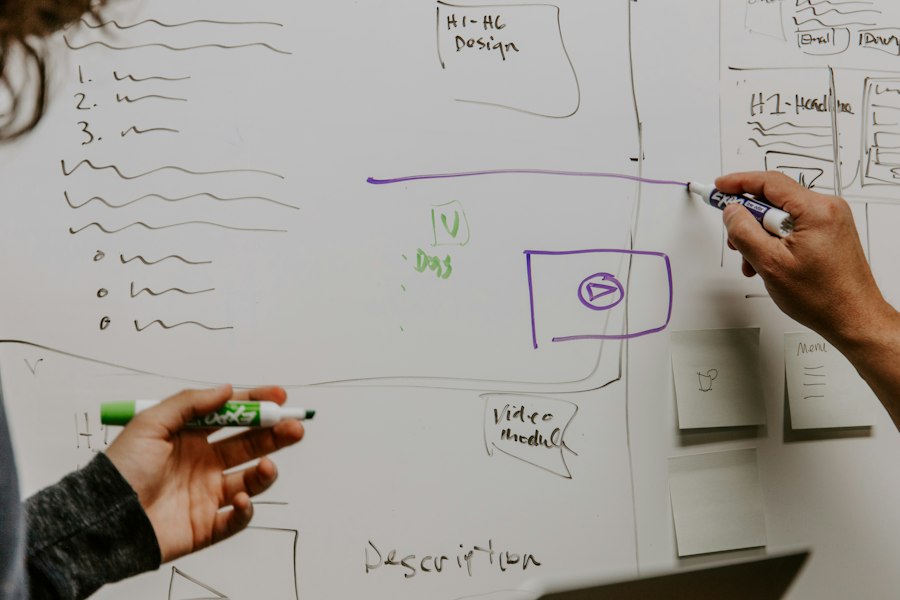
For working out what you need before you spend money building it.

What happens
- Before. We look at your current site, your analytics and your competitors.
- On the day. A half or full day with your team, in person or online.
- After. We write up what was agreed and send it within a week.
What you get
- Agreed goals, audiences and priorities
- A sitemap and a list of features, in order of importance
- A written brief you can take to us, or to any other studio
Support
For keeping a site secure, up to date and working, once it's live.


What's covered
- Software and security updates
- Daily backups and uptime monitoring
- Hosting, if you want us to manage it
- A set number of hours each month for changes
- One person to contact, who knows your site
How it runs
- Check. We review the site first, whoever built it.
- Plan. You choose the monthly hours that suit you.
- Report. Each month you get a short summary of what was done.
What we work with
- Shopify and NetSuite →Orders, stock and customers kept in step between store and ERP.
- Microsoft Entra ID sign-in →Staff and partner portals that use your Microsoft accounts.
- SharePoint on your website →Documents and news from SharePoint, published to your site.
- AI search for your content →An assistant that answers from your own pages and documents.
- Shopify and point of sale →One stock count across the shop floor and online.
- HubSpot CRM →Enquiries and customers sent straight into HubSpot.
- Booking systems →Live availability and bookings on your own site.
- Payments and subscriptions →Stripe billing, recurring payments and member access.
- Xero accounting →Invoices and payments from your site, reconciled in Xero.
Not sure which?
Tell us what you're working with and what's not working. We'll tell you where to start.
Contact us →